For agencies
Run every client's automations from one place
Keep each client's schedules, jobs and tokens organized, respect each client's own working hours, holidays and timezone, and give your team the access it needs.
The problem
Where it goes wrong today
Automations scattered everywhere
One client's jobs on a server, another's in a cron tab, a third in an automation tool. Nobody has the full picture.
Every client in another country
Each client has its own working days, public holidays and timezone, and expects your automations to know them.
The client finds the failure first
Without alerts and history, a broken job is noticed when the client asks why nothing happened.
The solution
How Netsware helps
- A group per clientOrganize jobs into groups, one per client, and filter the dashboard by group when you work on that client.
- Each client's tokens kept apartVariables can belong to a group, so each client's API tokens are used only by that client's jobs. Secret values are encrypted and never shown again.
- Each client's calendarSave a schedule per client with their working days, hours, timezone, country and region. Their jobs follow it, including their public holidays.
- Alerts to the right channelChoose the alert channels per job, so a failure in one client's job reaches the people who look after that client.
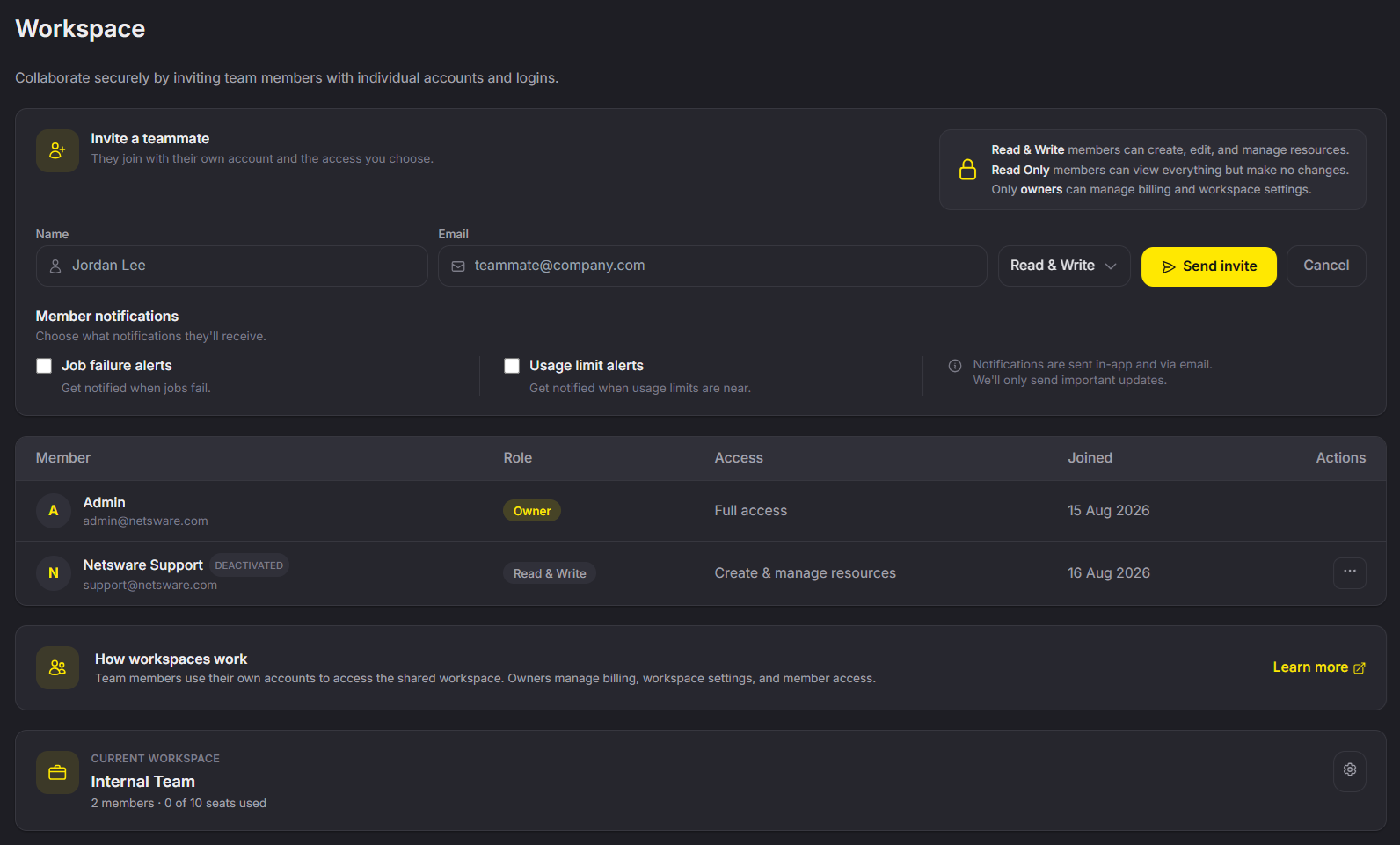
- A shared team workspaceInvite teammates by email. Give editors full access and give read-only access to anyone who only needs to look.
- One failure feed for everythingSee failed and delayed runs across every client in one place, and open any run to see every attempt.
Example
One client, set up in three calls
A group for the client, the client's token scoped to that group, and a job that uses it.
- Create a group for the clientPOST /v1/groups with the client's name.
- Store the client's token in that groupPOST /v1/variables with the group, as a secret, allowed only for the client's API host.
- Create the client's jobIn the group, linked to the client's schedule, with {{CLIENT_TOKEN}} in the headers.
{
  "name": "Acme: weekly stock sync",
  "type": "recurring",
  "cron": "0 8 * * MON",
  "timezone": "Australia/Sydney",
  "url": "https://api.acme.example/sync",
  "headers": { "Authorization": "Bearer {{CLIENT_TOKEN}}" },
  "group_id": "grp_acme",
  "business_hours_schedule_id": "sch_acme_sydney"
}
Features used
Built on the same platform
Questions
Common questions
Can I keep each client separate?
Yes. Put each client's jobs in their own group, store their tokens as variables in that group, and give each client their own schedule and alert channels.
Can my team work in the same account?
Yes. Team workspaces are shared, with roles for who can edit and who can only view. Changes to a role apply at once.
Our clients are in different countries. Is that a problem?
No. Each schedule has its own country, region and timezone, so each client's jobs follow their own working week and public holidays.
Looking for more details? View all FAQs or visit our Help Center.
Put business-aware scheduling to work
Create your first schedule, set business hours and run your first job from the dashboard or the API. Start free, with no credit card required.